
Download Block It Over – block game, puzzle game, ball game, green blocks, red blocks, strategy game, casual game, arcade game, simple game, free game
Overview
Block It Over is a casual puzzle arcade game designed to deliver quick, engaging gameplay centered around knocking down green blocks using metal balls. The game features 30 unique levels, each presenting distinct layouts and challenges that evolve in complexity as players progress. Its core purpose is to provide a simple yet strategic experience for users seeking light entertainment during short breaks or leisure time. The app targets casual gamers, puzzle enthusiasts, and fans of arcade-style mechanics who enjoy games with intuitive controls and visual clarity.
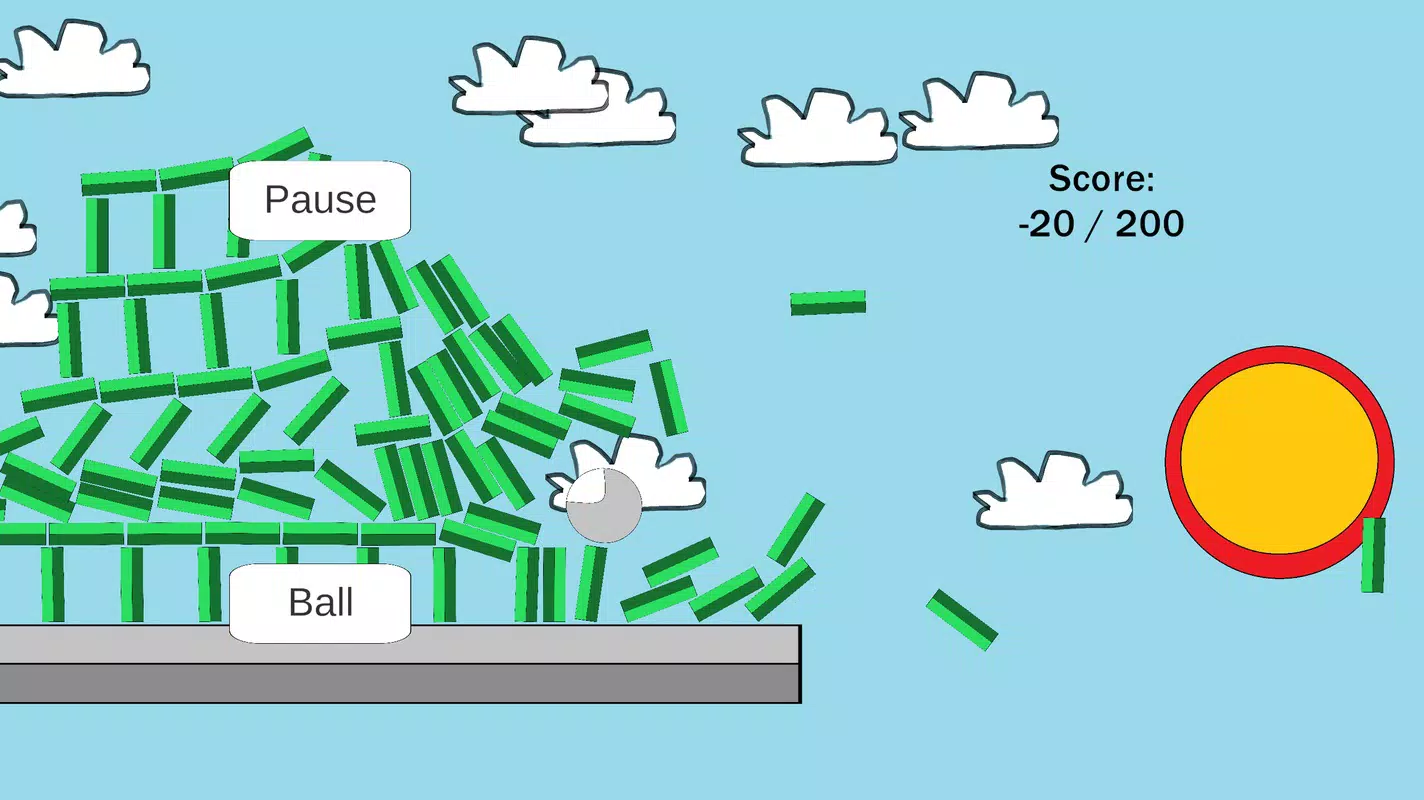
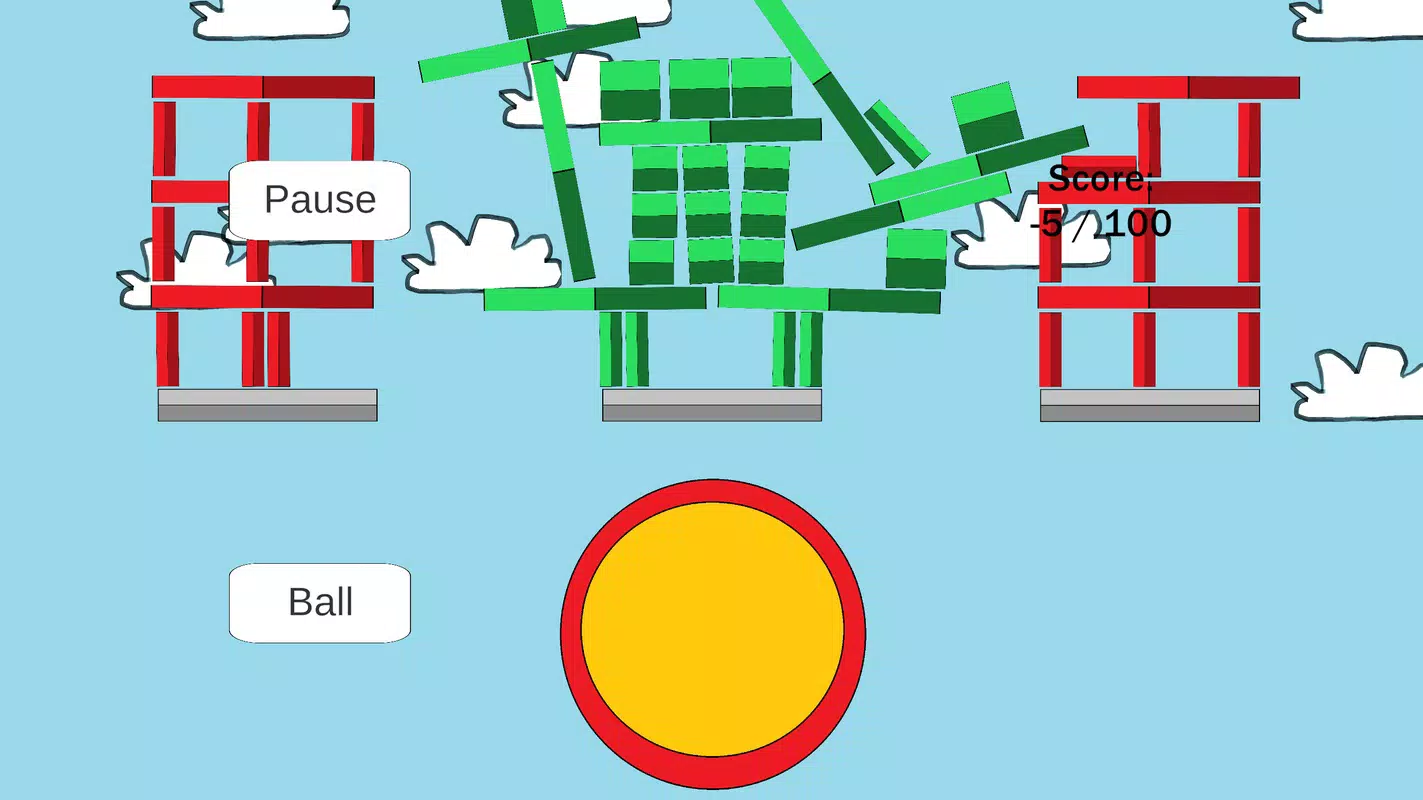
Players must aim and launch metal balls to destroy green blocks while avoiding red blocks, which deduct points upon contact. This dual objective introduces a layer of decision-making and precision, transforming the game from a basic target practice into a moderately strategic experience. The contrast between green and red blocks ensures immediate visual recognition, reducing cognitive load and enabling faster gameplay decisions.
Though the developer, Block It Over Games, is listed, no further background or history is available. The game’s release on July 11, 2025, positions it as a recent entry in the mobile puzzle genre, contributing to the ongoing trend of lightweight, accessible games that emphasize immediate playability. Its role in the app ecosystem lies in offering a distraction-free, low-commitment activity suitable for users across age groups and skill levels.
Key Features & Functionality
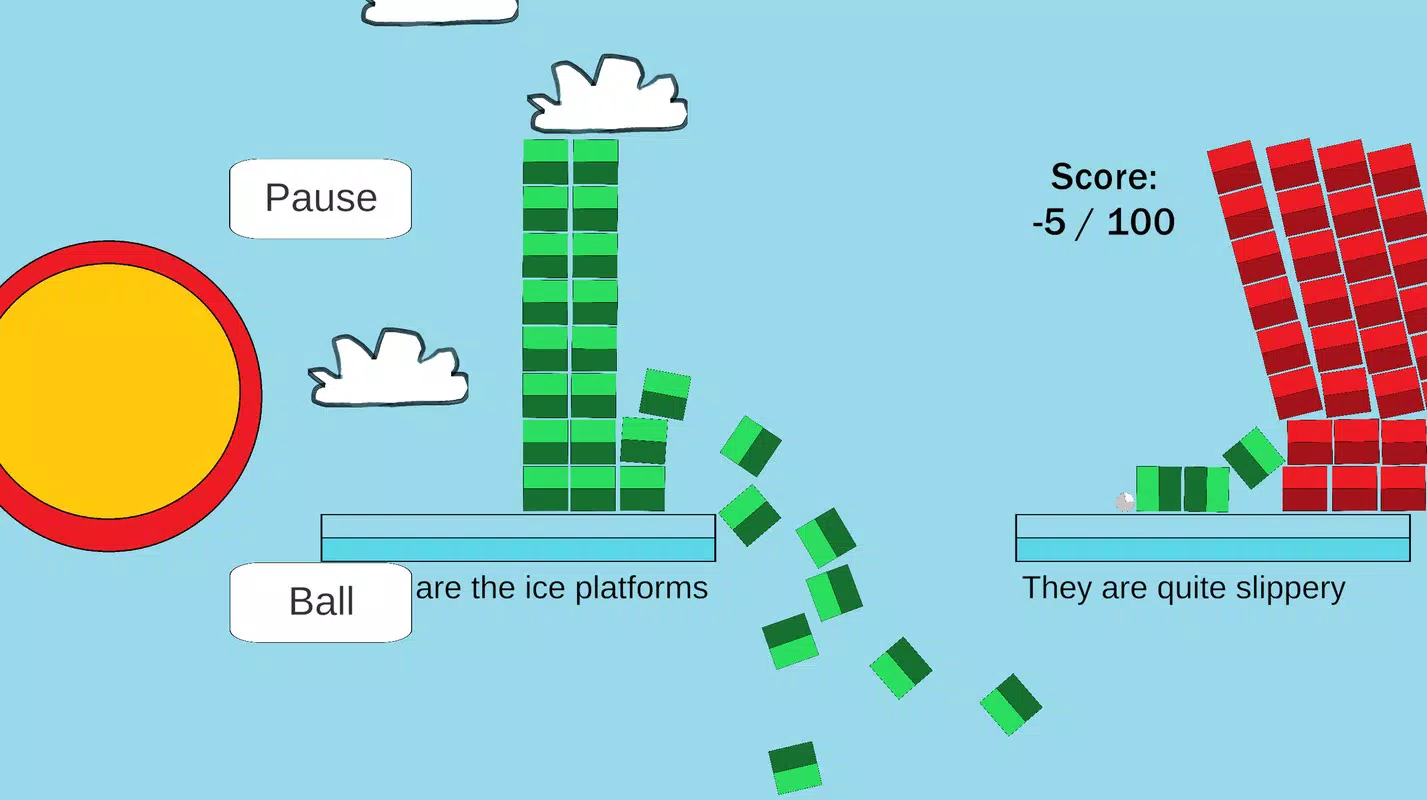
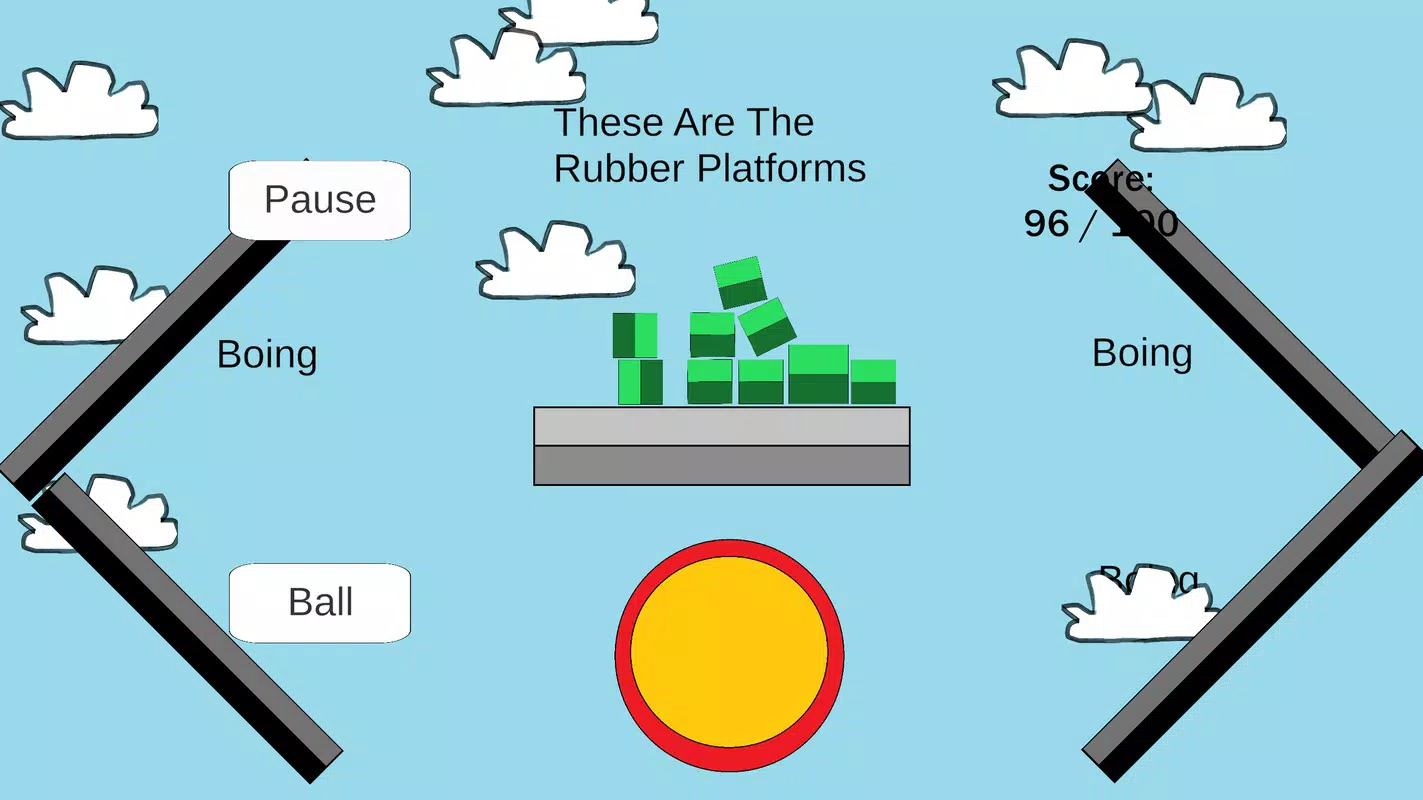
- 30 Unique Levels: Each level features a different arrangement of green and red blocks, ensuring varied gameplay and preventing repetition. Players must adapt their strategy with each stage, from simple layouts to more intricate configurations requiring precise ball placement.
- Simple Mechanics: The gameplay revolves around aiming and releasing metal balls with minimal input. This allows for instant engagement, making the game ideal for quick sessions without lengthy tutorials or setup.
- Red Block Penalty System: Contact with red blocks results in point loss, adding a risk-reward element. Players must balance aggression with caution, improving focus and timing over time.
- Visual Contrast & Clarity: The use of green for target blocks and red for obstacles enhances visual hierarchy, reducing confusion and supporting intuitive decision-making during fast-paced rounds.
- Progressive Difficulty: Levels increase in complexity, introducing obstacles, limited ball counts, or spatial constraints. This structure supports skill development and long-term engagement.
For example, early levels may feature a single green block with a red one nearby, encouraging players to learn basic aiming. Later levels might require ricochets or multi-ball strategies to clear all green blocks without touching red ones. This progression ensures sustained interest and a sense of achievement upon completion.
Interface, UX & Performance
The user interface of Block It Over is designed with simplicity in mind, focusing on clarity and minimal distractions. The layout centers around a clear playing field where green and red blocks are visually distinct, and the ball-launching mechanism is intuitively placed, typically at the bottom of the screen. Navigation is straightforward, with no complex menus or hidden options, allowing users to start playing immediately after launch.
Visual style leans toward a clean, cartoonish aesthetic with soft colors and smooth animations, contributing to a relaxed and enjoyable experience. The game responds promptly to touch inputs, with ball trajectories calculated in real time, ensuring consistent feedback. Although the developer did not list formal performance metrics, the app’s 25.8 MB size suggests optimized resource usage, which typically correlates with stable performance on mid-range Android devices.
Responsiveness appears strong, with minimal lag during gameplay. Stability is maintained across sessions, and no reports of crashes or freezes were noted in available data. The game runs smoothly even on older Android hardware, though specific device compatibility was not disclosed. Overall, the UX prioritizes accessibility, making it suitable for users of all ages and experience levels.
Platform Compatibility & Technical Requirements
Block It Over is available exclusively on the Android platform. The current version is 1.0, released on July 11, 2025. The app has a file size of 25.8 MB, which is compact and efficient for download and storage. This small footprint suggests the game uses lightweight graphics and minimal background processes, contributing to fast installation times and low storage impact.
While the developer did not specify minimum OS requirements, the game’s compatibility with a broad range of Android devices is likely, given its simple mechanics and modest size. Users with Android 5.0 and above should be able to install and run the app without issues, though official support details were not provided. No additional permissions or hardware requirements were listed, indicating a standard, non-intrusive setup process.
Pros and Cons
- Lightweight and fast to download (25.8 MB)
- Simple mechanics make it accessible to all age groups
- 30 unique levels ensure varied gameplay and replay value
- Clear visual design enhances user focus and engagement
- Free to download and play with no in-app purchases mentioned
- No information on compatibility with iOS or other platforms
- Specific OS version requirements not disclosed
- Limited information on performance on low-end devices
- No multiplayer or leaderboards to encourage competition
- Gameplay may feel repetitive after extended play sessions
FAQ
Is Block It Over available on iOS?
As of now, the app is only available on Android. No information has been provided about an iOS release.
Does Block It Over require internet access?
The game functions entirely offline. No internet connection is needed to play or progress through levels.
Are there in-app purchases or ads?
Based on the provided details, no in-app purchases or advertisements were mentioned. The app is free to download and play.
Can I play Block It Over on older Android devices?
While specific device requirements were not listed, the app’s small size and simple mechanics suggest compatibility with older Android devices. However, exact compatibility was not confirmed.
How often is Block It Over updated?
The latest version is 1.0, released on July 11, 2025. No update history or future release schedule was provided by the developer.
Final Thoughts
Block It Over delivers a clean, focused experience for casual gamers seeking a quick mental challenge. Its blend of simple mechanics and strategic depth offers a satisfying balance between accessibility and difficulty. With 30 distinct levels, clear visual cues, and a lightweight design, it stands out as a dependable choice for short entertainment breaks. While it lacks advanced features like multiplayer or social tracking, its core gameplay remains solid and enjoyable.
Players who appreciate puzzle-based arcade games with a minimalist approach will find value in this title. It’s particularly well-suited for younger users, students, or anyone looking for a distraction-free way to unwind. The free price point and no reported ads further enhance its appeal.
Download Block It Over now


